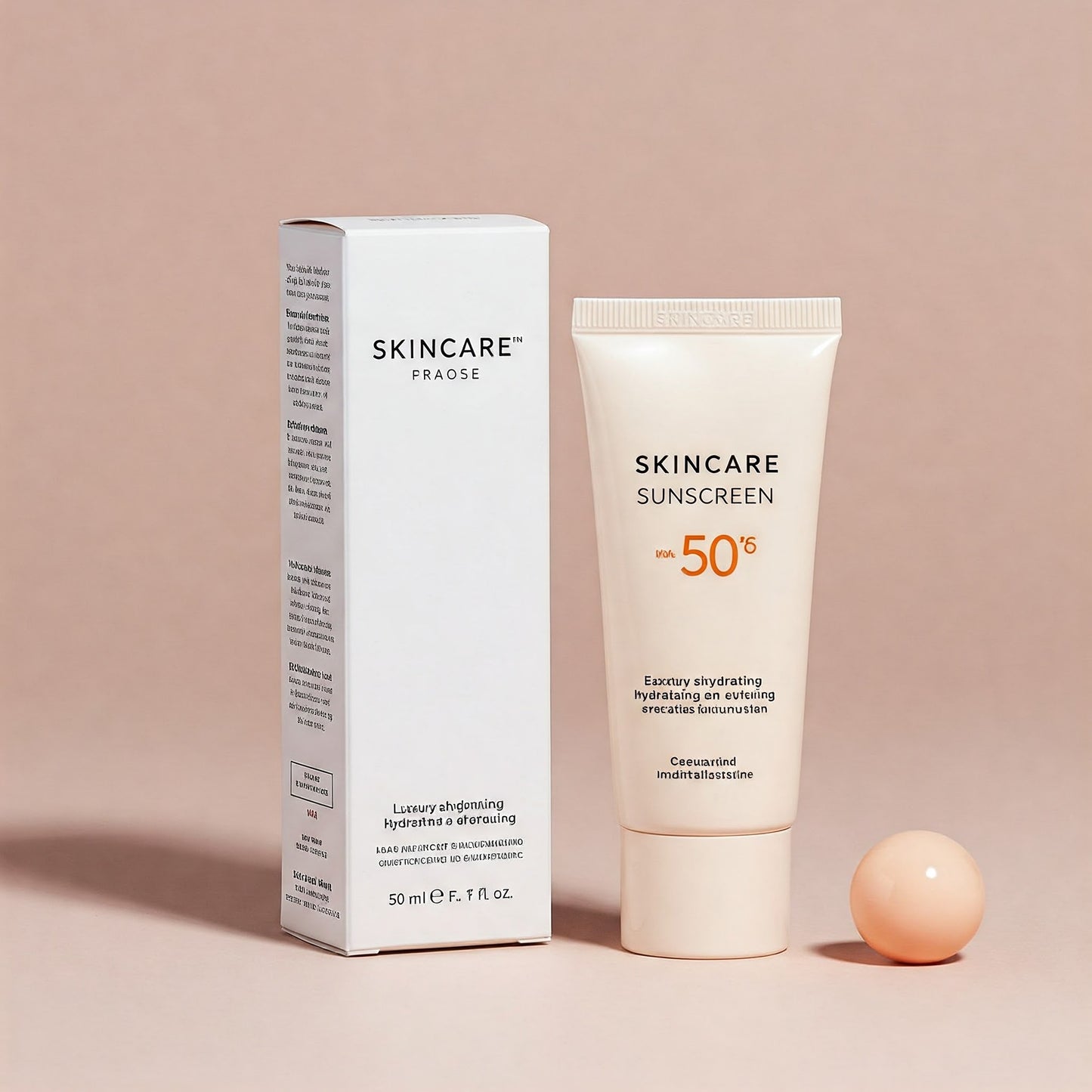
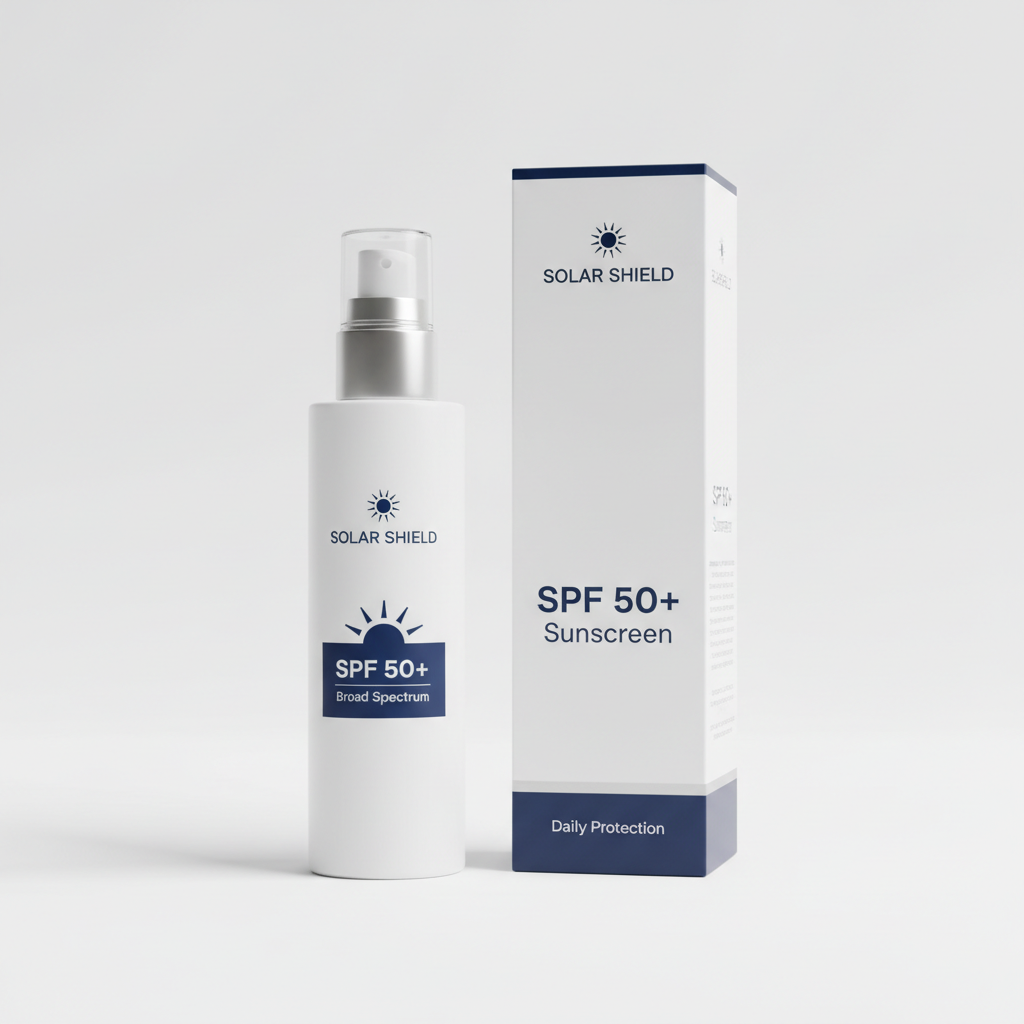
Protect your skin with our premium Sunscreen, an essential daily defense against harmful UV rays. Formulated with advanced sun-protective technology, this lightweight formula shields your complexion while maintaining a natural, non-greasy finish. Perfect for all skin types.
Select the products you want to sell as a volume bundle.
Set discounts for your volume bundle to sell in different quantities across various tiers.
Frequently Asked Questions
What is a volume bundle?
A volume bundle allows you to offer discounts to customers when they buy products in bulk quantities
How do I create a volume bundle?
To create a volume bundle, navigate to the Volume Bundle section in your app, click on Create tab, select a product, and set up quantity-based discount offers. You can add multiple offers for different quantities
Can I add multiple discount offers for the same product?
Yes! You can add multiple discount offers for the same product with different quantities. For example, you can create:
- Buy 2 — Get 10% off
- Buy 5 — Get 20% off
- Buy 10 — Get 30% off
All these offers will be visible to customers, and the discount will automatically apply based on the quantity they purchase
Where can I see all my created volume bundles?
You can view all your created volume bundles in the Volume Bundle > List section
How do I activate/deactivate a volume bundle?
After creating a bundle, you can activate/deactivate the bundle in the Volume Bundle > List section by toggling the status switch. Only activated bundles will be displayed on the storefront
Choosing a selection results in a full page refresh.